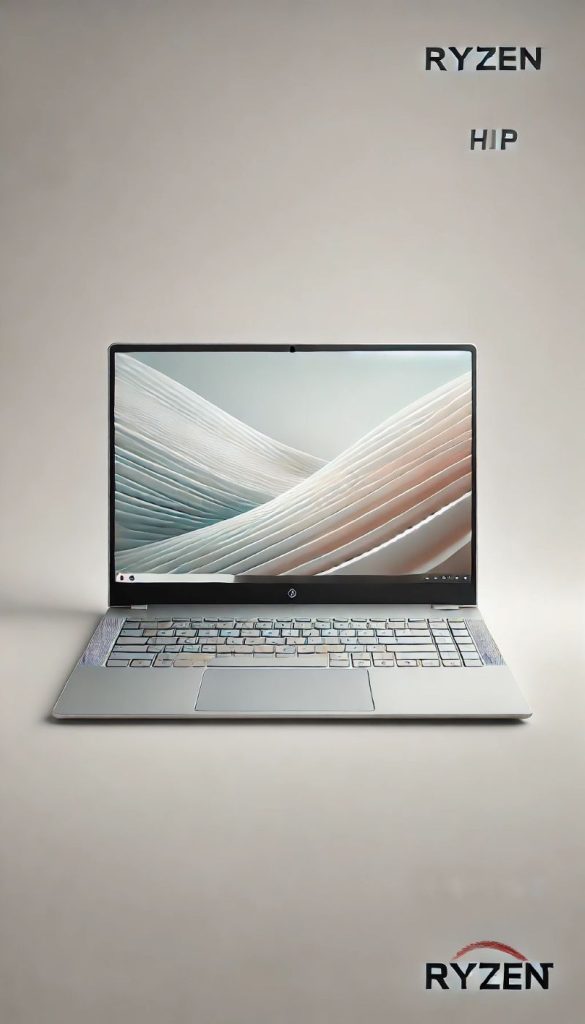
The Lenovo Ideapad 1 delivers remarkably strong performance for the price. With a Ryzen 5 processor and 16GB RAM, it handles everyday computing, multitasking, and productivity apps with ease. The full HD display is crisp, making it ideal for students or casual users who want reliability without breaking the bank.
AMD Ryzen 5 Processor: Smooth performance for browsing and work
15.6″ Full HD Display: Sharp visuals for streaming & productivity
16GB RAM: Great for multitasking
512GB SSD: Fast boot and plenty of storage
Windows 11 Home (S Mode): Speed and security built in
Lightweight Build: Easy to carry around campus or the office
Best For: Students, casual office users, and anyone seeking maximum value at a lower price point.
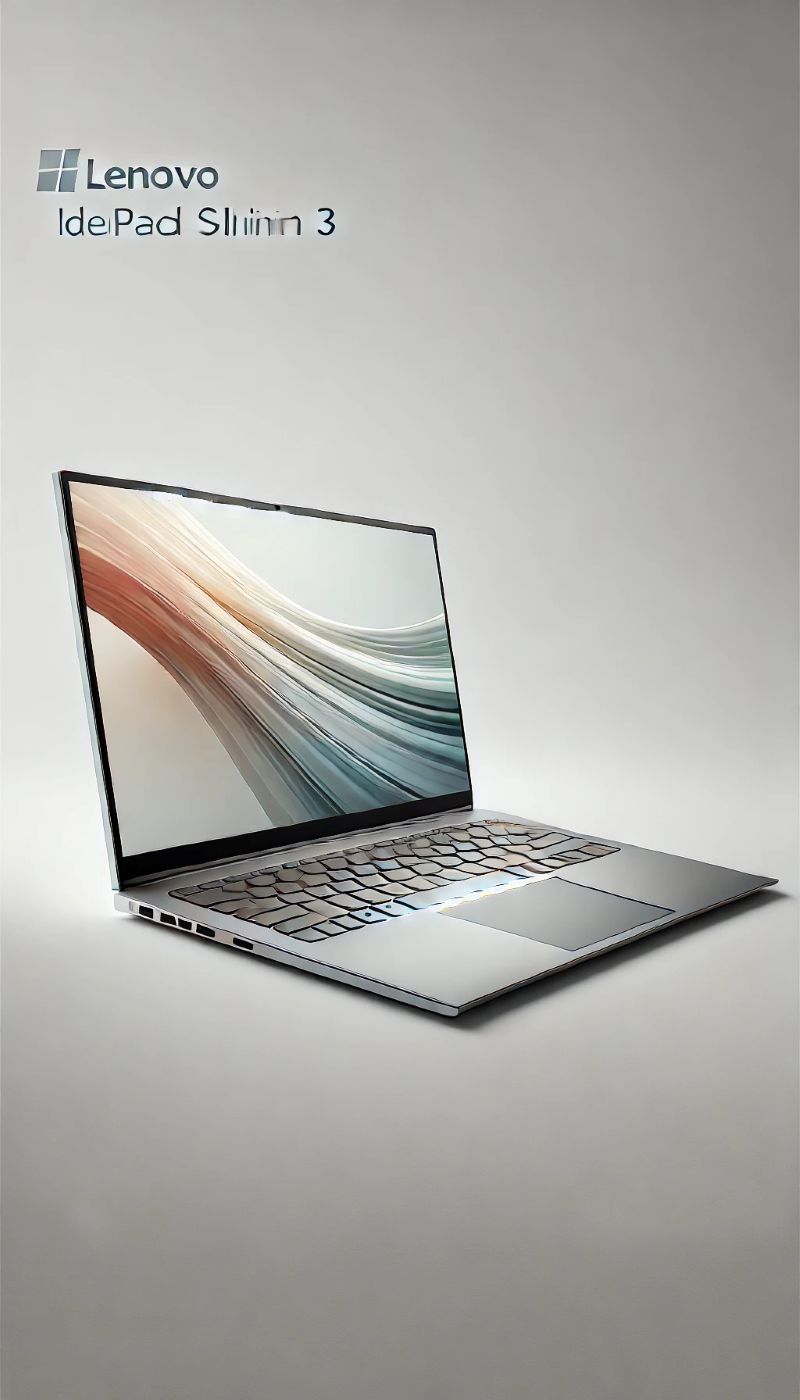
Slim, light, and impressively snappy — the Ideapad Slim 3 is the perfect balance of portability and performance. The Intel Core i5 processor paired with 16GB RAM makes it ideal for productivity, while the 14″ size strikes an excellent balance between usability and mobility.
14″ Full HD Display: Great clarity with compact size
Intel Core i5 Processor: Responsive performance
Excellent Battery Life: All-day workstation on the go
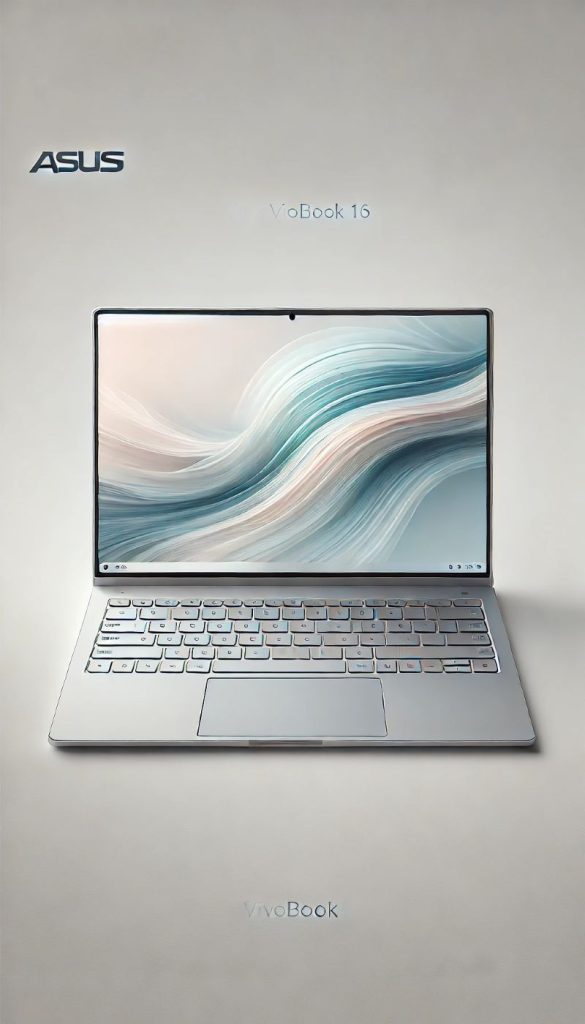
The Vivobook 16 offers a spacious 16″ display perfect for work, media, and multitasking. The new Intel Core 5 processor delivers quick, modern performance, while the large screen real estate makes it a fantastic laptop for productivity content creators on a budget.
16″ Display: More workspace for spreadsheets, editing, and streaming
Intel Core 5: New-gen processing power
16GB RAM: Smooth multitasking
512GB SSD: Speedy and reliable storage
ErgoSense Keyboard: Comfortable typing experience
Slim & Modern Design: Despite the screen size, still portable
Best For: Professionals, students, or creators who want a bigger screen without paying premium-laptop prices.
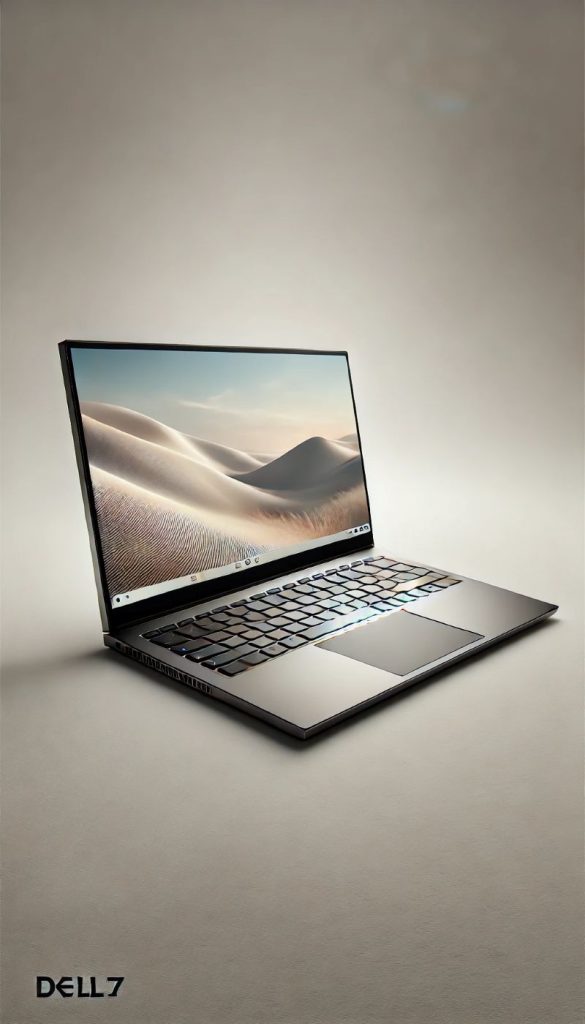
This Dell 15 packs serious power for the price. The Ryzen 7 CPU and a huge 1TB SSD make it one of the strongest performers in the mid-range. It’s ideal for demanding multitaskers, light creative work, or anyone who wants long-term performance value.
This Bose QuietComfort Ultra (2nd Gen) redefines comfort and clarity. With spatial-audio immersion, world-class active noise cancellation, and plush materials designed for long-haul wear, it’s the go-to for audiophiles and frequent travellers alike. Available in Black, Desert Gold or White Smoke.
(Affiliate links may earn us a commission at no extra cost to you. Prices and availability may change after publication.)
Images shown may only be reflective, full product images can be seen by following the link to the Amazon website.
💻 Mid-Range Laptop Buying Guide (16GB RAM Focus)
Mid-range laptops offer the best balance of performance, price, and longevity for most users. If you’re looking for a machine that can handle work, streaming, multitasking, and light creative tasks without paying premium flagship prices, a 16GB RAM laptop is often the sweet spot.
This guide explains what to look for when choosing a reliable mid-range laptop.
Why 16GB RAM Is the Sweet Spot
For everyday computing in 2025, 16GB of RAM provides smooth performance across most tasks. It allows you to: • Run many browser tabs without slowdown • Use productivity apps like spreadsheets and video calls simultaneously • Edit photos or light video projects • Multitask between apps without freezing While 8GB machines can struggle with heavy browsing or modern apps, 16GB provides future-proofing for several years. Best for: • Students • Remote workers • Content creators starting out • Gamers who want light gaming capability
Processor: Intel vs AMD
The processor (CPU) determines how quickly your laptop handles tasks. For mid-range laptops, look for: Intel Options • Intel Core i5 (12th Gen or newer) • Intel Core i7 (older generations) AMD Options • AMD Ryzen 5 (5000/7000 series) • AMD Ryzen 7 (excellent multitasking performance) Both brands perform well — AMD chips often provide great performance for the price, while Intel tends to appear in more business laptops.
Storage: Why SSD Matters
Most modern laptops use SSD storage, which is significantly faster than older hard drives. Recommended minimum: • 512GB SSD This gives you enough space for: • Windows / macOS • Software and apps • Documents and photos • Some media or games If you work with large files, 1TB is ideal, but 512GB is the common sweet spot for mid-range machines.
Display Quality
A good screen makes a huge difference for daily use. Look for: • Full HD (1920×1080) minimum resolution • IPS panel for better colours and viewing angles • Screen size between 14″ and 16″ If you plan to watch films, edit photos, or work long hours, a bright IPS display with good colour accuracy will be much more comfortable.
Battery Life
Mid-range laptops usually offer 6–12 hours of battery life depending on the model. Look for: • USB-C charging if possible • Fast-charge support • At least 50Wh battery capacity If you work remotely or travel often, battery life can be just as important as raw performance.
Build Quality & Portability
Many mid-range laptops now include premium features previously only found in expensive models. Things worth checking: • Weight under 1.8kg for portability • Aluminium or reinforced plastic chassis • Backlit keyboard • Fingerprint reader or facial login These small upgrades make everyday use much more comfortable.
What Counts as “Mid-Range”?
For laptops with 16GB RAM, the mid-range typically sits between: £600 – £1,000 At this level you can expect: ✔ 16GB RAM ✔ Modern Intel or AMD processor ✔ 512GB SSD storage ✔ Full HD IPS display ✔ Solid battery life You avoid the compromises of budget laptops while not paying premium prices for high-end ultrabooks or gaming machines.